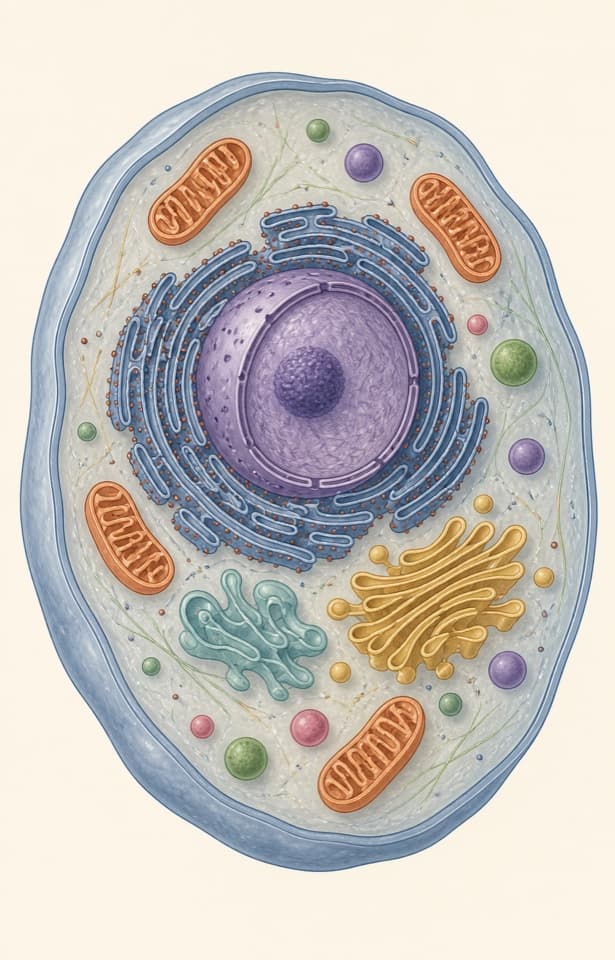
Which structure is essential for forming new memories?
Second nature to recall.
Turn your notes and slides into flashcards, then review what’s due each day. Spaced repetition brings each card back when it needs another look.

At a glance.
More power to you.
Track your daily flashcard progress
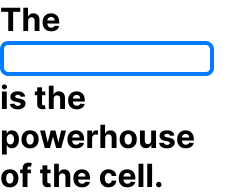
Reveal the Blank when you’re ready

Cover labels with Image Occlusion
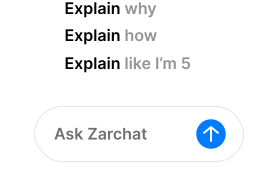
Ask Zarchat without leaving your cards
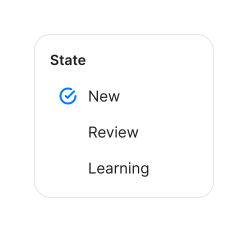
Filter cards by learning state
Progress
All in due time.
A little practice each day adds up. See what’s due, rate your recall, and let Zaro space the next review—so you can see what’s sticking and where to focus next.
- New
- Review
- Learning
Due today
Visualize your daily workload so you always know exactly what to study each day.
- Young
- Mature
Card maturity
Track your learning progress and see when a set of cards has been mastered.
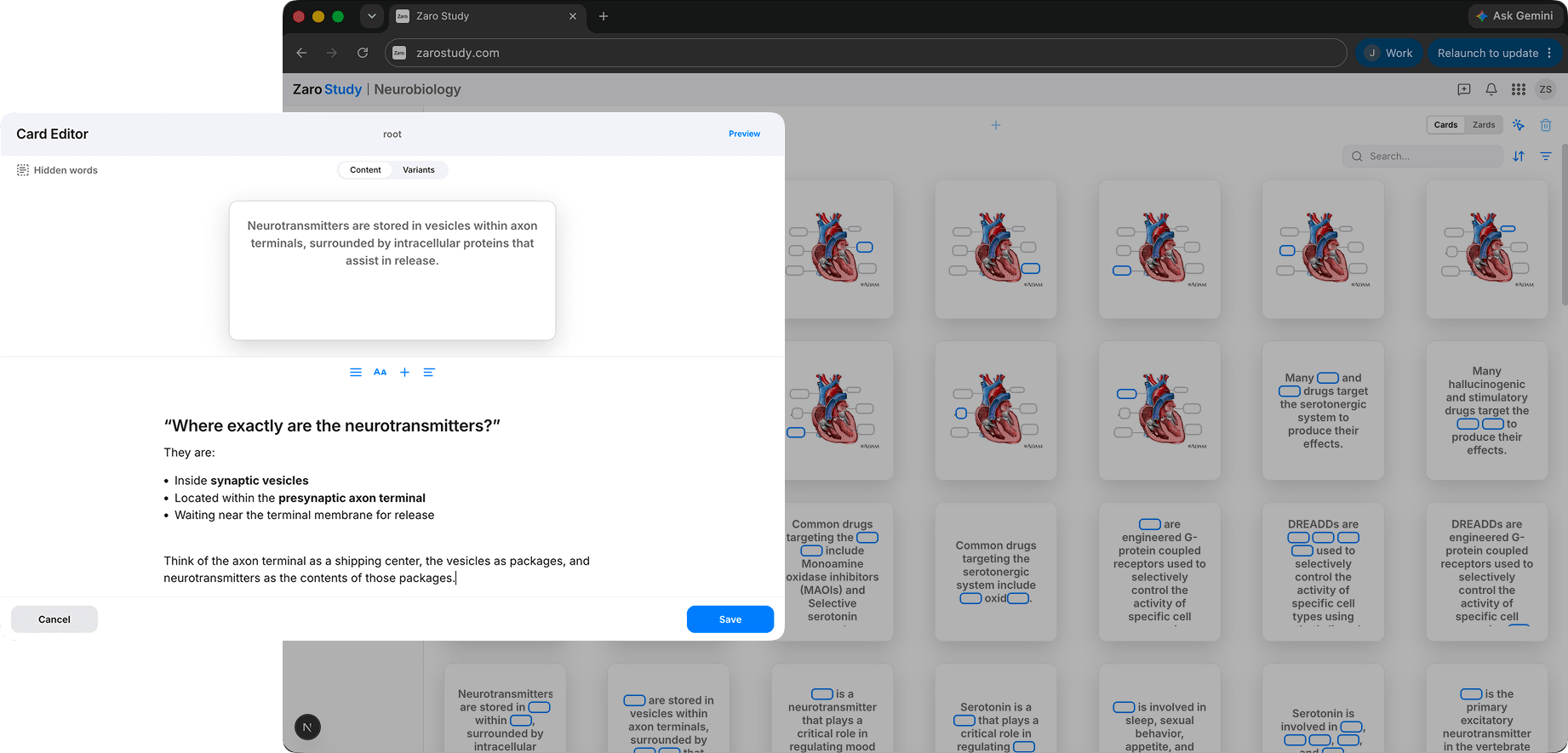
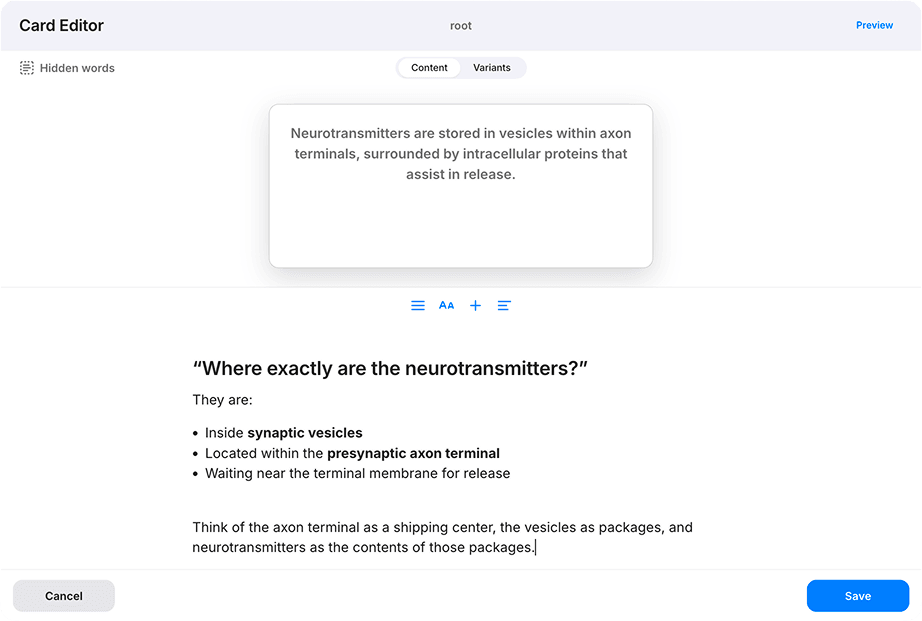
The Card Editor is an intuitive workspace for shaping every flashcard. Use it to edit every part of a card—from content and media to descriptions, notes, and variants. You stay in control, creating cards that work better for the way you learn.
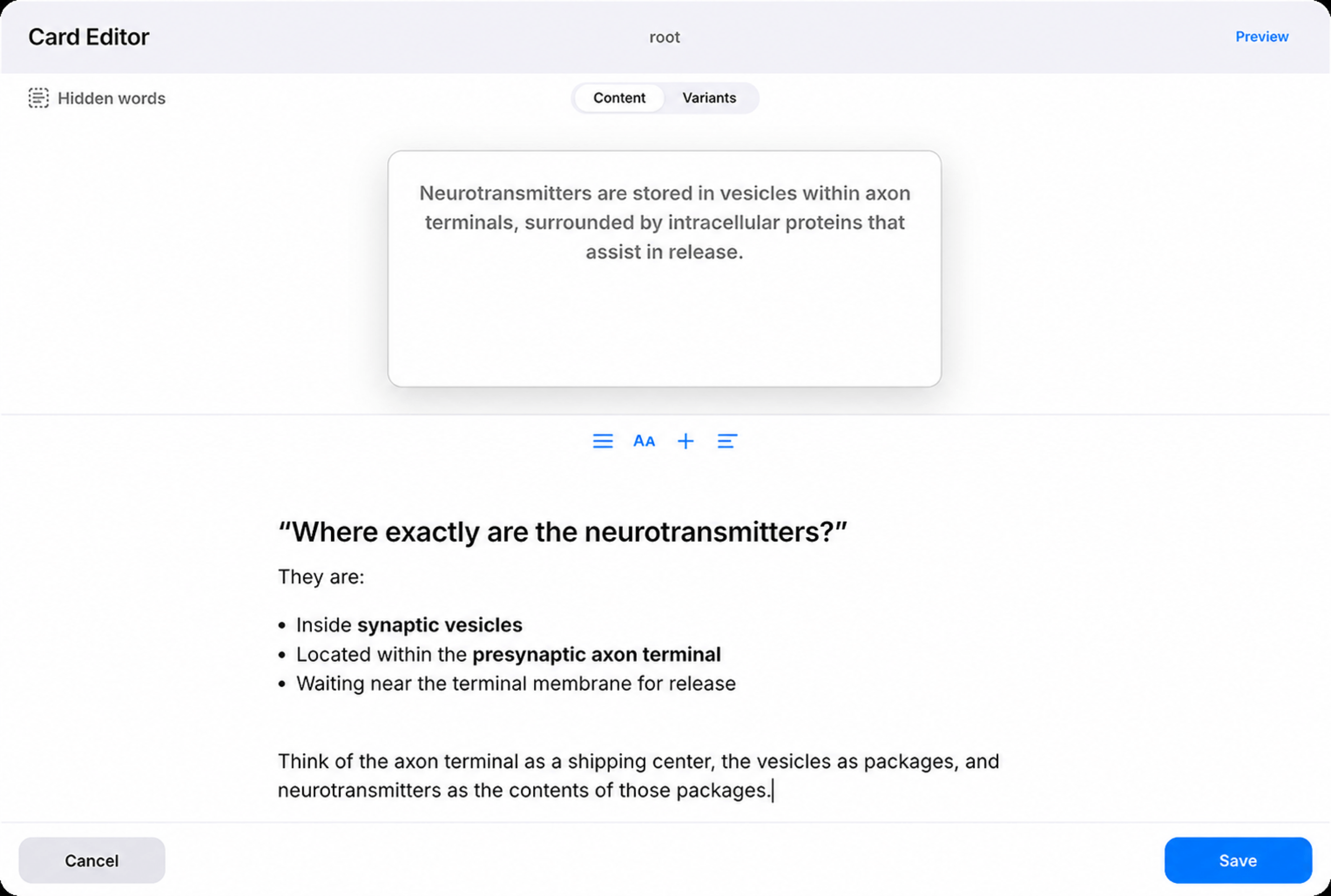
Write and format the prompt and answer, then choose the card format that best fits the idea.
Turn one source into multiple review angles without duplicating the content you maintain.
Attach context, explanations, and reminders that appear alongside the answer during review.
Write and format the prompt and answer, then choose the card format that best fits the idea.
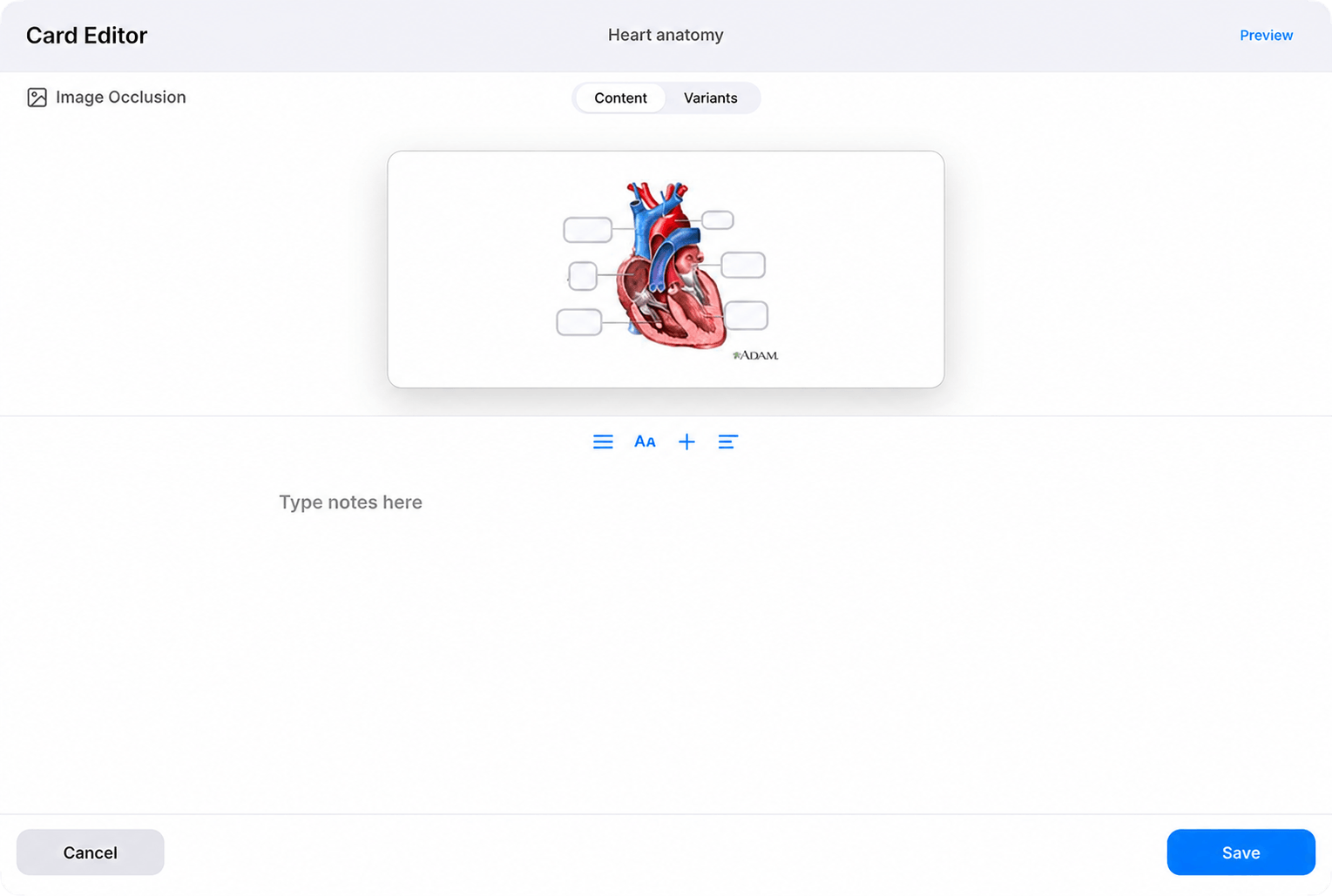
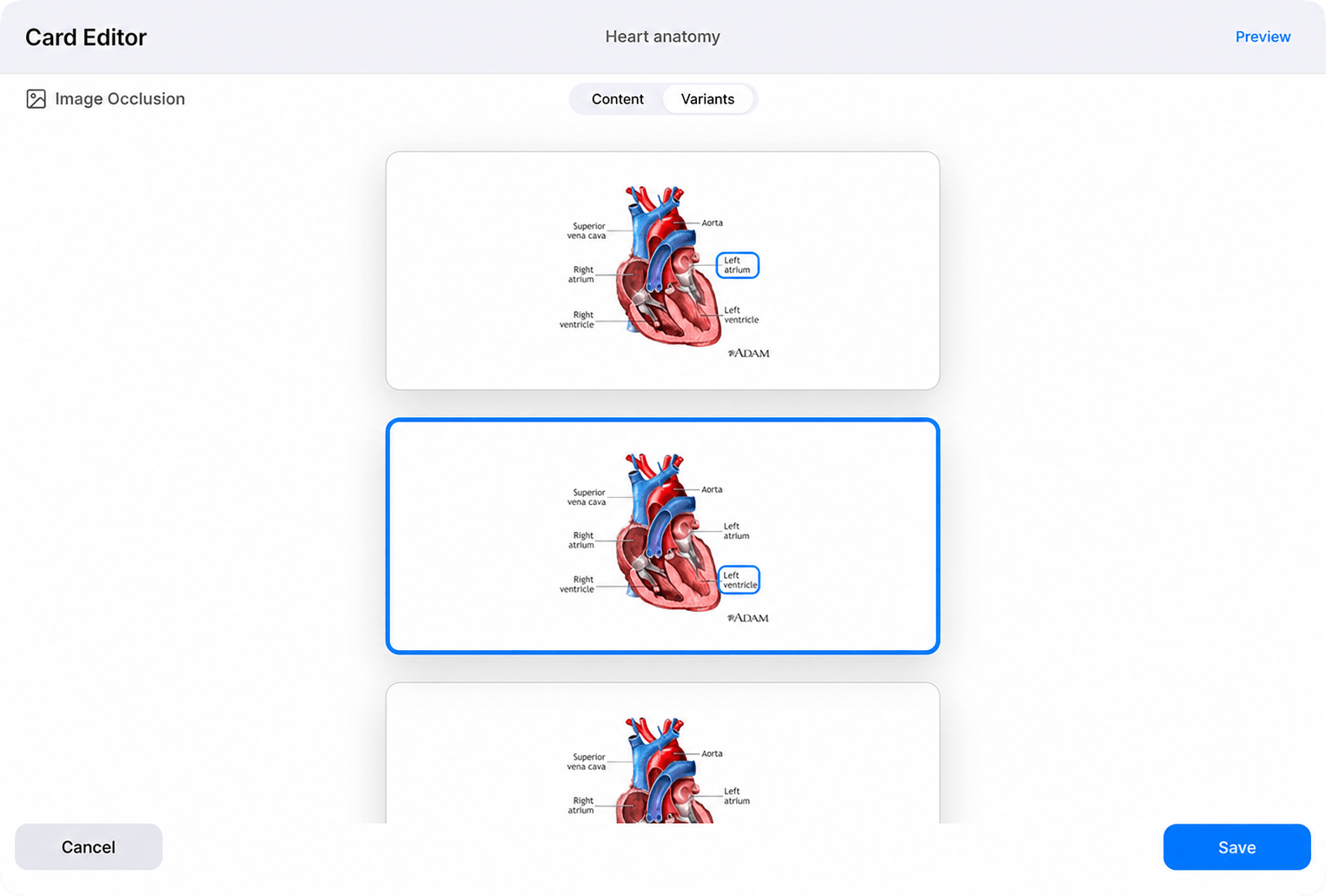

Choose from Reveal the Blank, Question & Answer, and Image Occlusion. Each type fits a different kind of recall, from words in context to prompts and diagrams, keeping reviews focused and helping what you learn stick.
Reveal the Blank hides a key word or phrase. Try to recall it, then reveal the answer when you’re ready.
Question & answer cards build a clear prompt and answer, then add a reversed version when recall should work both ways.
Image occlusion covers labels on diagrams and images, then turns each hidden area into its own focused card.
Browse
Bring the right
cards into focus.
Browse gives you one place to find, filter, and sort your cards by learning state, card type, mastery, or review history. Move from a full deck to the cards that matter now, and keep each study session focused on your goals.
Browse gives you precise control over which cards you see. Filter by learning state or card type, then sort by creation date, mastery, or last reviewed. This helps you find what needs attention faster and keep each study session focused.
Sorting
Date created
Find recent additions to check what is new or bring your earliest cards back into focus when it is time to revisit the foundations.
Mastery
Put your weakest cards first to target knowledge gaps, or your strongest cards first to see what is already secure.
Last reviewed
Surface cards you have neglected the longest, or see what you studied most recently when you want to retrace a session.
Filtering
Learning state
Filter New cards to start fresh material, Learning or Relearning cards to strengthen shaky recall, and Review cards to maintain what you know.
Card type
Isolate Question & Answer, Reveal the Blank, or Image Occlusion cards so you can find and manage one kind of recall practice at a time.
Study
One review.For all your decks.
Study brings cards from across your decks into one focused session. Zaro handles the spaced-repetition schedule, so you can spend less time managing reviews and more time understanding the ideas behind every card.
Learning Queue. Miss a card and it comes back at exactly the right time. Spaced repetition handles the scheduling so you can focus on the learning.
Review Phase. Every session starts with what you've already seen. Familiar cards surface first, keeping long-term retention strong before you take on anything new.
New Phase. Once review is done, new material enters the mix. It is introduced at a pace that moves you forward without piling on.
Ask about an explanation of the card. Zarchat already knows the card, its deck, and the notes behind it, so you can start without restating the context.
Follow up. Probe the answer—ask for a simpler breakdown, a worked example, or a different angle.
More follow up. Keep questioning until the idea clicks. Zarchat carries the context forward, so each answer builds on the last.
Explore our features
Guided by our values
Be Curious.